
Hey there! As a supplier of aluminum profile cable trays, I often get asked about how to install the brackets for these cable trays properly. In this blog post, I'm gonna share some practical steps and tips to help you with the installation process.
Why Bracket Installation Matters
Before we dive into the installation steps, let's talk about why getting the bracket installation right is so important. The brackets serve as the foundation for your aluminum profile cable trays. A well - installed bracket ensures that the cable tray is stable and secure, which is crucial for protecting the cables inside. It also helps in preventing any potential hazards like cable damage or the tray collapsing, which could lead to costly repairs and downtime.
Tools You'll Need
First things first, let's gather the tools required for the installation. You'll need a measuring tape to ensure accurate placement of the brackets. A drill is essential for making holes in the wall or ceiling where you'll mount the brackets. Get appropriate drill bits for the type of material you're drilling into (e.g., concrete, wood, or metal). A level will help you make sure the brackets are installed straight. You'll also need a wrench or screwdriver to tighten the bolts or screws that hold the brackets in place. And don't forget safety gear like safety glasses and gloves.
Step - by - Step Installation Guide
Step 1: Planning and Measurement
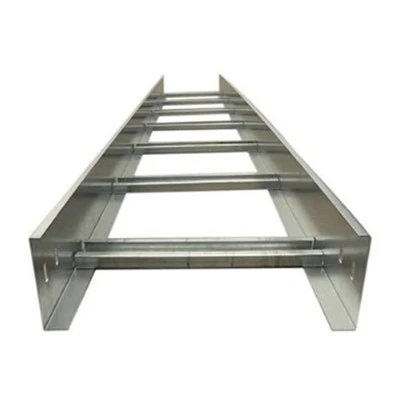
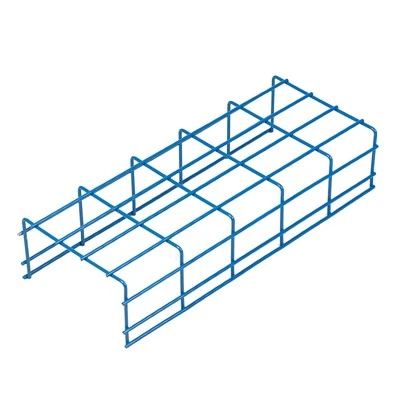
The first step is to plan out where you want to install the cable trays and their brackets. Measure the length of the area where the cable tray will be installed. Based on the weight of the cables and the type of cable tray you're using (you can check out our Telecom Cable Ladder, Aluminum Ladder Tray, Aluminum Extruded Cable Ladder, Aluminium Cable Ladder, or Aluminum Ladder Cable Tray for different options), determine the spacing between the brackets. Generally, for light - duty cable trays, you can space the brackets every 3 - 4 feet, while for heavy - duty ones, you might need to space them closer, around 2 - 3 feet.
Step 2: Marking the Mounting Points
Once you've decided on the bracket spacing, use your measuring tape and a pencil to mark the mounting points on the wall or ceiling. Make sure the marks are straight and level. You can use a level to double - check the horizontal and vertical alignment of the marks.
Step 3: Drilling the Holes
Now it's time to drill the holes at the marked points. If you're drilling into concrete or masonry, use a masonry drill bit. For wood, a regular wood drill bit will do the job. When drilling, start at a slow speed to ensure accuracy and then gradually increase the speed. Be careful not to drill too deep or too wide, as this can affect the stability of the bracket.
Step 4: Inserting Wall Anchors (if needed)
If you're mounting the brackets on a wall or ceiling made of a soft material like drywall, you'll need to insert wall anchors into the drilled holes. Wall anchors provide extra support and prevent the screws from pulling out. Simply insert the wall anchors into the holes and tap them gently with a hammer until they're flush with the surface.
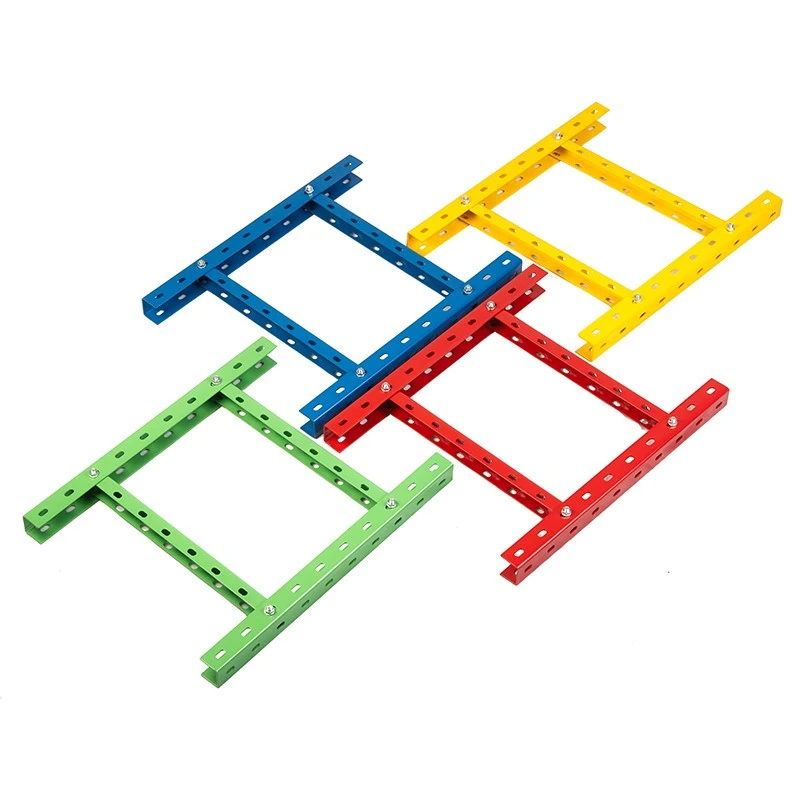
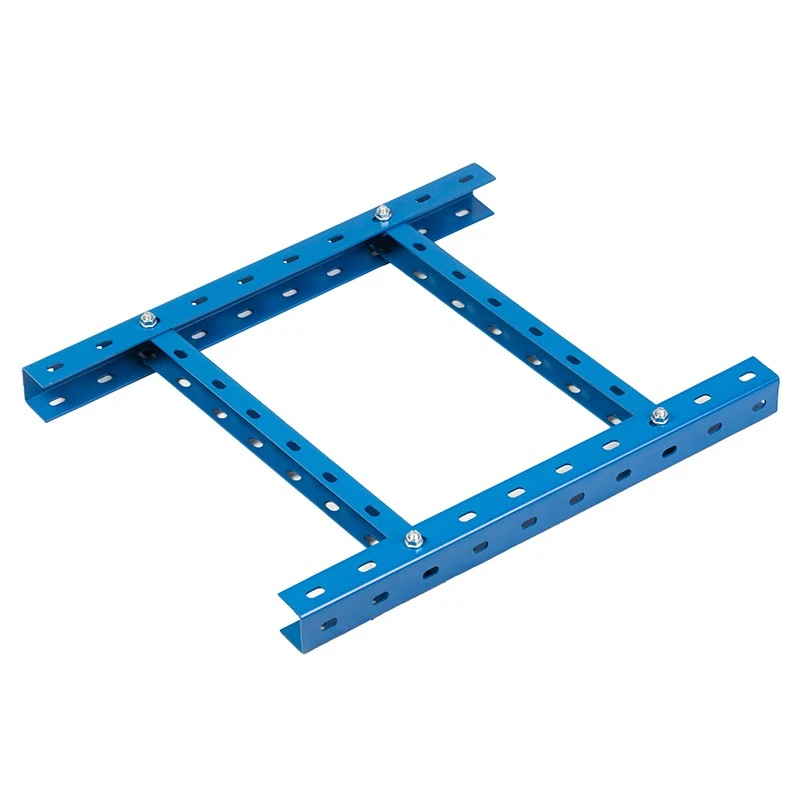
Step 5: Mounting the Brackets
Take your brackets and align them with the drilled holes. Insert the bolts or screws through the holes in the bracket and into the holes in the wall or ceiling. If you're using wall anchors, screw the bolts or screws into the anchors. Use a wrench or screwdriver to tighten the bolts or screws firmly. Make sure the brackets are securely attached and don't wobble.
Step 6: Checking the Level
After mounting the brackets, use a level to check if they are perfectly horizontal. If not, adjust the brackets by loosening the bolts or screws slightly and re - positioning them. Once the brackets are level, tighten the bolts or screws again.
Step 7: Installing the Cable Tray
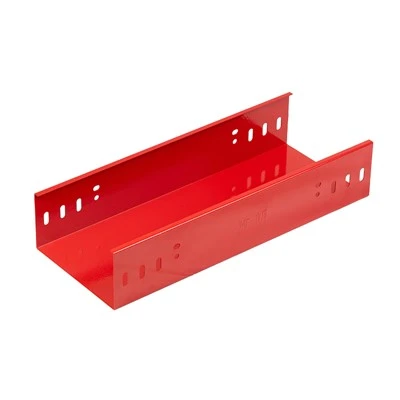
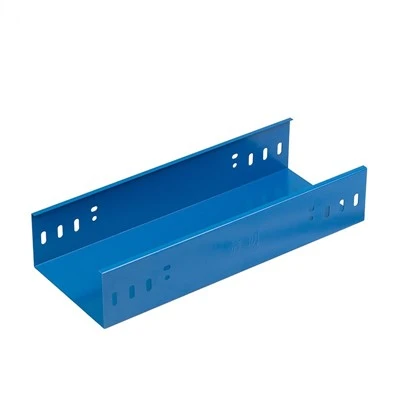
Once all the brackets are installed and level, you can install the aluminum profile cable tray on the brackets. Most cable trays have pre - drilled holes that align with the holes in the brackets. Simply place the cable tray on the brackets and insert bolts or screws through the holes to secure it in place. Tighten the bolts or screws firmly, but be careful not to overtighten and damage the cable tray or the brackets.
Tips for a Successful Installation
- Read the manufacturer's instructions carefully before starting the installation. Different cable trays and brackets may have specific installation requirements.
- Take your time with measuring and marking. Accurate measurements are the key to a successful installation.
- If you're working on a large project, consider installing the brackets in sections. This will make the installation process more manageable and ensure better alignment.
- If you encounter any difficulties or have questions during the installation, don't hesitate to reach out to us. We have a team of experts who can provide you with the support you need.
Conclusion
Installing the brackets for aluminum profile cable trays may seem like a daunting task, but if you follow these steps and tips, you'll be able to do it successfully. Remember, a properly installed cable tray is essential for the safety and performance of your cables.
If you're interested in purchasing our high - quality aluminum profile cable trays or need more information about the installation process, feel free to get in touch with us for a purchase discussion. We're always here to help you find the best solutions for your cable management needs.
References
- General industry knowledge on cable tray installation
- Manufacturer's guidelines for aluminum profile cable trays